
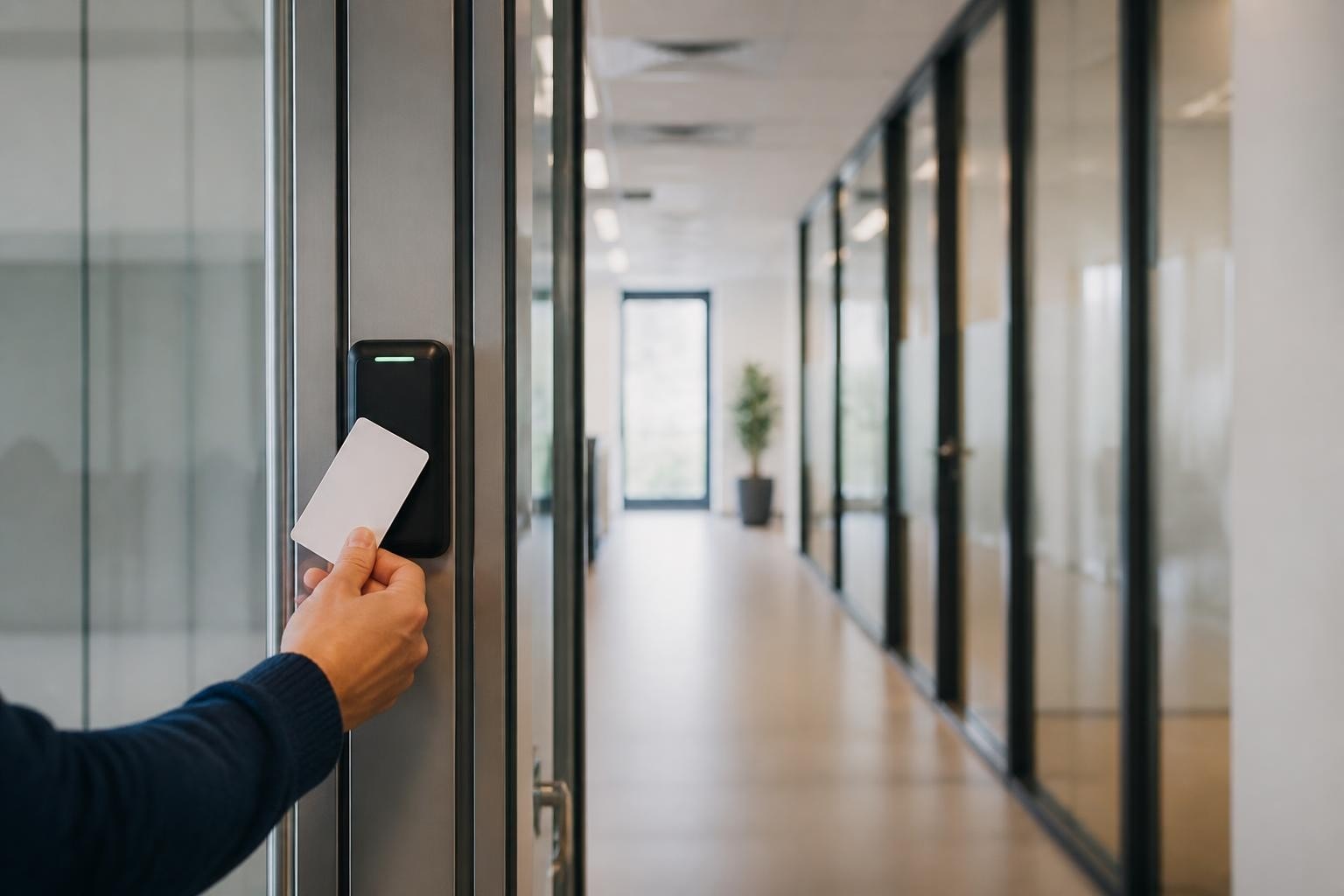
S2 access control has become a cornerstone technology for organizations seeking reliable, scalable security solutions that protect both physical assets and personnel. As businesses and facilities across South Africa and worldwide face increasingly sophisticated security challenges in 2026, understanding the capabilities and architecture of S2 access control platforms is essential for security professionals, facility managers, and decision-makers who need to balance robust protection with operational efficiency and long-term value.
S2 access control systems, developed by LenelS2, represent a comprehensive approach to physical security management that combines hardware controllers, credential readers, software platforms, and integration capabilities into a unified ecosystem. The platform's core strength lies in its distributed intelligence architecture, where individual door controllers maintain autonomy even when network connectivity is interrupted.
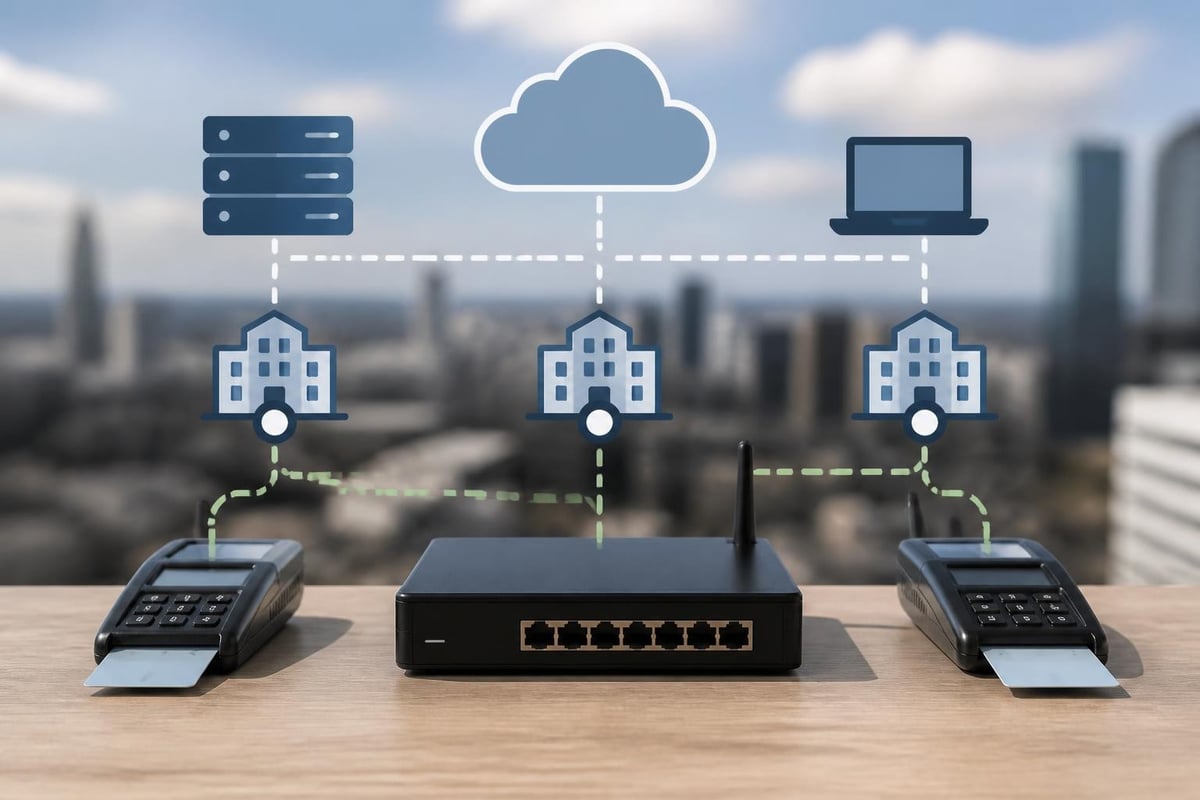
The NetBox controller serves as the foundation of most S2 access control deployments. These intelligent controllers manage credential verification, door hardware, alarm inputs, and real-time decision-making at the edge of the network. Each controller can operate independently, storing credentials and access rules locally to ensure continuous operation even during network outages.
Key NetBox controller capabilities include:
The distributed intelligence model ensures that access decisions happen in milliseconds at the door, rather than requiring round-trip communication to a central server for every credential presentation.
S2 access control systems utilize several software platforms depending on deployment size, complexity, and management preferences. The OnGuard and Global platforms provide comprehensive management interfaces for enterprise environments, while cloud-based options deliver flexible deployment models for distributed facilities.
OnGuard serves as the flagship management platform for large-scale S2 access control installations. This Windows-based application provides centralized administration for thousands of doors, hundreds of thousands of cardholders, and complex rule sets that govern who can access which areas during specific time periods.
| Feature Category | OnGuard Capability | Business Benefit |
|---|---|---|
| Cardholder Management | Unlimited users with photo badges | Scalable identity management |
| Access Rules | Time zones, holidays, threat levels | Granular security policies |
| Reporting | 200+ standard reports plus custom | Compliance and audit trails |
| Integration | Video, intrusion, building systems | Unified security operations |
The platform's badge design module enables organizations to create professional identification cards that combine visual security with encoded credentials, supporting proximity cards, smart cards, and mobile credentials.
Modern S2 access control deployments increasingly incorporate mobile credentials and remote management capabilities. Mobile access transforms smartphones into secure credentials using Bluetooth Low Energy (BLE) or Near Field Communication (NFC) technology, while remote access enables security teams to manage systems from anywhere.
Third-party solutions like XPressEntry extend S2 NetBox capabilities to handheld devices for mustering, visitor management, and temporary access scenarios. These integrations leverage the NetBox API to maintain synchronization between mobile devices and the core access control database.
S2 access control platforms support hybrid deployment models where on-premises controllers work seamlessly with cloud-based management interfaces. This architecture provides several advantages for multi-site organizations:
The cloud-ready approach doesn't compromise the distributed intelligence model-controllers continue operating autonomously at each site while benefiting from centralized policy management and reporting.
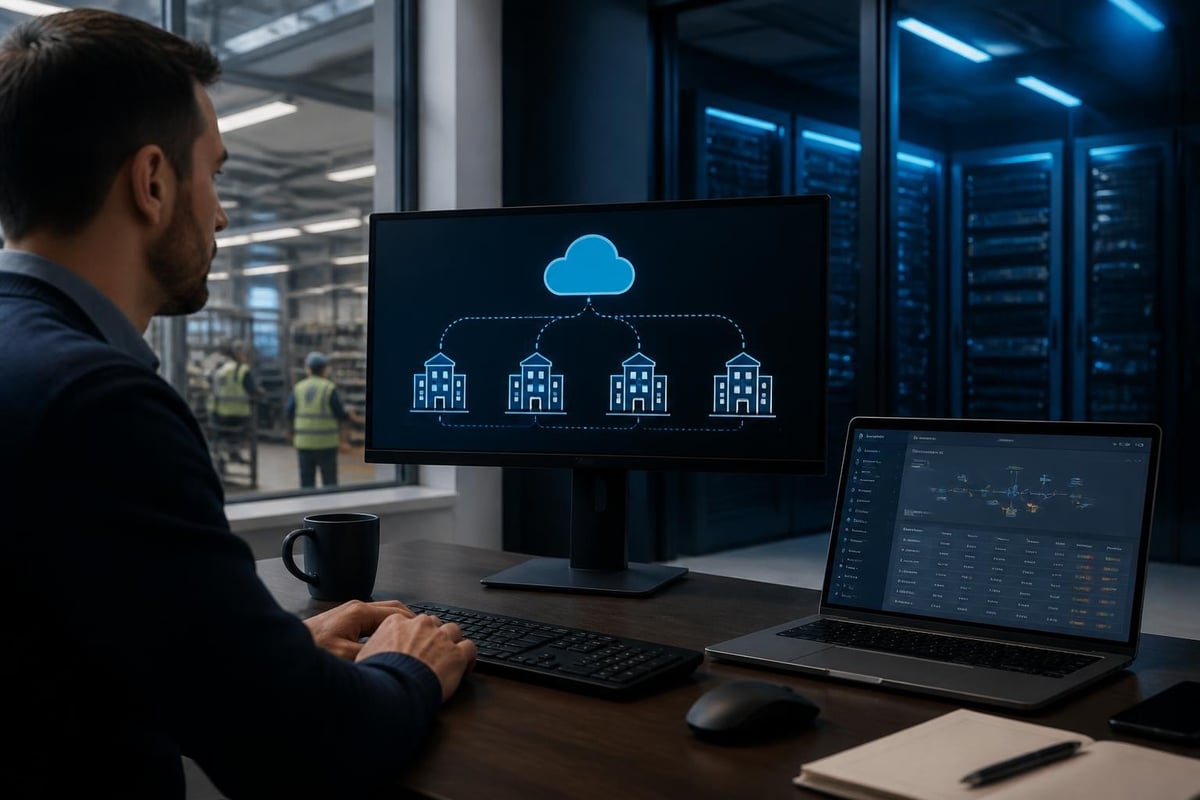
One of the most powerful aspects of S2 access control lies in its extensive integration ecosystem. Modern security operations demand coordination between access control, video surveillance, intrusion detection, and building automation systems to create comprehensive situational awareness.
Integrating S2 access control with video management systems (VMS) enables powerful workflows that combine access events with video evidence. When a door is forced open, denied access attempts occur, or specific credentials are used, the system can automatically retrieve and display corresponding video footage.
Common integration scenarios include:
Configuration guides for integrating S2 NetBox with video platforms provide step-by-step procedures for establishing these connections and optimizing performance.
Deploying S2 access control requires careful planning around network infrastructure, controller placement, credential technology, and user training. Successful implementations balance security requirements with user convenience while building in scalability for future expansion.
S2 NetBox controllers connect via standard Ethernet networks, making network design a critical foundation for system performance and reliability. Controllers typically connect to dedicated security VLANs to isolate access control traffic from general business networks.
Network design best practices:
Each controller requires approximately 100 Kbps of bandwidth under normal operation, with brief spikes during database updates or event reporting.
S2 access control platforms support multiple credential technologies, allowing organizations to select options that match their security requirements and budget. The choice of credential technology significantly impacts both security strength and user experience.
| Credential Type | Security Level | Typical Use Cases | Considerations |
|---|---|---|---|
| Proximity Cards | Low-Medium | Basic access, low-risk areas | Easily cloned, limited encryption |
| Smart Cards | High | Secure facilities, multi-application | Higher cost, more secure |
| Mobile Credentials | Medium-High | Modern facilities, tech-forward | Requires smartphone, battery dependent |
| Biometrics | Very High | High-security zones, anti-passback | Privacy concerns, environmental factors |
Multi-factor authentication combines credential types-for example, requiring both a card and a PIN code for accessing especially sensitive areas. This layered approach significantly increases security while maintaining reasonable user convenience.
Physical security infrastructure works hand-in-hand with electronic access control. While s2 access control manages authentication and authorization, physical barriers like burglar guards provide essential forced-entry protection that complements electronic systems, creating defense-in-depth security architectures for residential and commercial properties.
For organizations with custom integration requirements or specialized workflows, the S2 NetBox API provides programmatic access to system functions. The NBAPI (NetBox API) enables developers to create custom applications that read events, manage cardholders, configure access rules, and control hardware.
The open-source S2 NetBox wrapper on GitHub demonstrates common API patterns and provides code examples for authentication, event subscription, and database queries. This developer resource helps integrators understand the API structure and accelerate custom development projects.
Organizations leverage the NetBox API for diverse automation and integration scenarios:
Detailed integration documentation and configuration guides provide authentication procedures, endpoint references, and troubleshooting guidance for developers working with the NetBox API.
Ongoing system administration ensures S2 access control continues delivering reliable security over years of operation. Regular maintenance tasks include database backups, software updates, hardware inspections, and user account auditing.
The access control database contains all cardholder records, access rules, hardware configurations, and historical events. Regular backups protect this critical data against hardware failures, corruption, or security incidents.
Database maintenance schedule:
Database size grows continuously as the system logs access events, so implementing event archiving policies prevents performance degradation while maintaining compliance records.
Choosing appropriate hardware components impacts system reliability, scalability, and total cost of ownership. S2 access control supports various controller models, reader technologies, and locking hardware to match different application requirements.
| Controller Model | Door Capacity | Typical Application | Special Features |
|---|---|---|---|
| NetBox S2-NB | 2-8 doors | Small facilities | Compact form factor |
| NetBox S2-LC | 32-64 doors | Medium buildings | Modular expansion |
| NetBox Enterprise | 128+ doors | Large campuses | High availability, redundancy |
Technical specifications and datasheets provide detailed information about controller capabilities, environmental ratings, power requirements, and supported reader types.
Reader selection depends on credential technology, environmental conditions, and aesthetic requirements. Outdoor readers require weather-resistant housings and vandal-resistant construction, while interior readers may prioritize sleek appearance and seamless building integration.
Organizations in regulated industries rely on S2 access control to demonstrate compliance with security standards and maintain detailed audit trails. The platform's comprehensive event logging and reporting capabilities support various compliance frameworks.
Every access attempt, system configuration change, and administrative action generates a time-stamped, tamper-evident log entry. These audit records prove invaluable during compliance audits, security investigations, and incident response.
Critical audit trail elements:
Retention policies should align with regulatory requirements-many industries mandate 90-day to seven-year retention of access control logs.
S2 access control architectures scale from single-door installations to enterprise deployments spanning thousands of doors across multiple continents. Understanding scalability considerations helps organizations avoid costly replacements as security needs evolve.
Starting with a properly architected foundation enables organic growth without fundamental redesign. Organizations should plan for:
Distributed facilities benefit from hierarchical management structures where regional administrators control local systems while corporate security maintains global visibility and policy enforcement.
Even the most sophisticated s2 access control system fails if administrators cannot configure it properly or users don't follow procedures. Comprehensive training programs ensure organizations realize full system value.
System administrators require deep technical knowledge spanning hardware troubleshooting, software configuration, network diagnostics, and security policy implementation. Training programs should cover:
Hands-on lab exercises using test systems build confidence before administrators work on production environments.
Technology evolution continues accelerating, making future-proofing an essential consideration when selecting access control platforms. S2 systems incorporate several design principles that support long-term value.
Modern s2 access control platforms embrace open standards and documented interfaces that facilitate integration with emerging technologies:
Organizations investing in S2 platforms position themselves to adopt these innovations incrementally rather than requiring complete system replacements.
S2 access control delivers enterprise-grade security through distributed intelligence, comprehensive integration capabilities, and flexible deployment options that scale with organizational needs. When you're ready to enhance your facility's security with professional-grade solutions that combine electronic access management with robust physical barriers, Limax Security Specialists brings decades of experience designing and installing integrated security systems across South African residential and commercial properties. Contact our team today for a comprehensive security assessment tailored to your specific requirements.


